Pocket Lists
Independent product project | Strategy, design & implementation
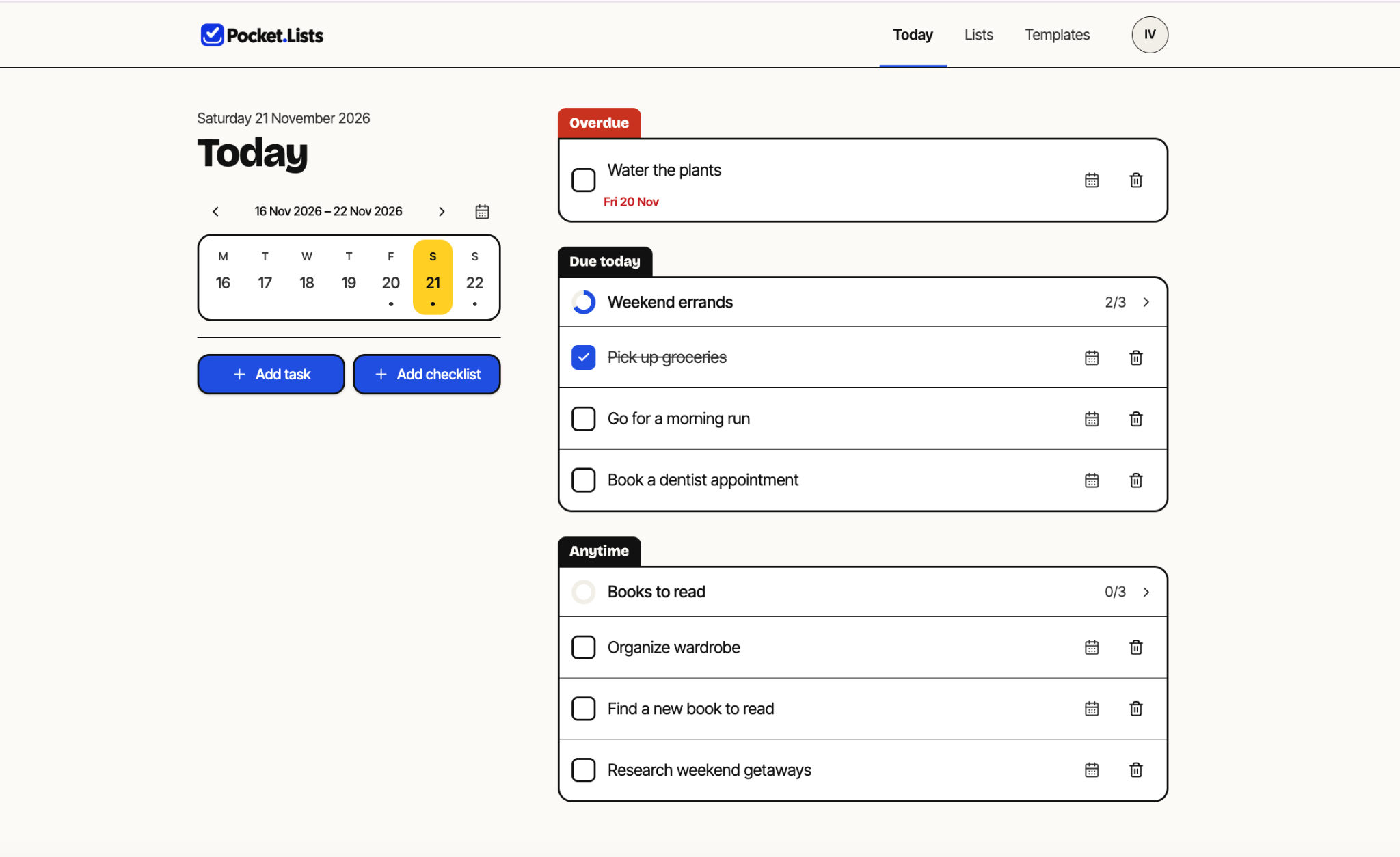
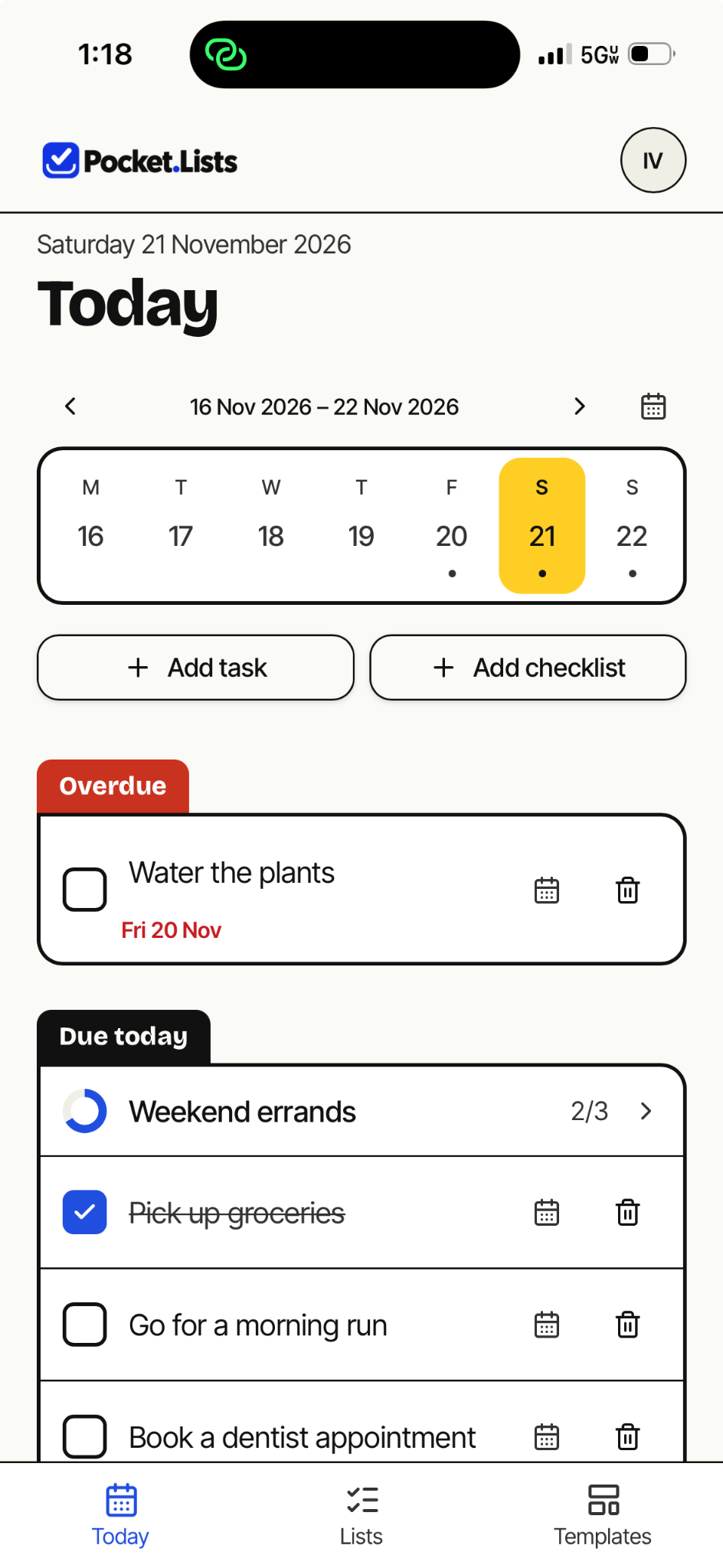
Pocket Lists is a live, phone-first app for bringing one-off tasks, running lists and reusable checklists together. It is an AI-assisted product-development project in which I defined the product strategy, designed the experience and implemented the working product.
The problem
Everyday planning is often scattered across notes, task apps and reminders. Many task tools are optimized for teams and project plans, while handwritten lists are quick but hard to reuse, search or keep close at hand. The aim was to make routine planning feel as easy as writing a list, while working reliably on a phone and across devices.
Product approach
Pocket Lists brings together daily tasks, running lists, and reusable templates in a simple experience that works across phone and desktop. Users can capture tasks, keep ongoing lists, and start from reusable templates—including starter examples—or create their own, with their information synchronized privately across devices when signed in.
Key product decisions
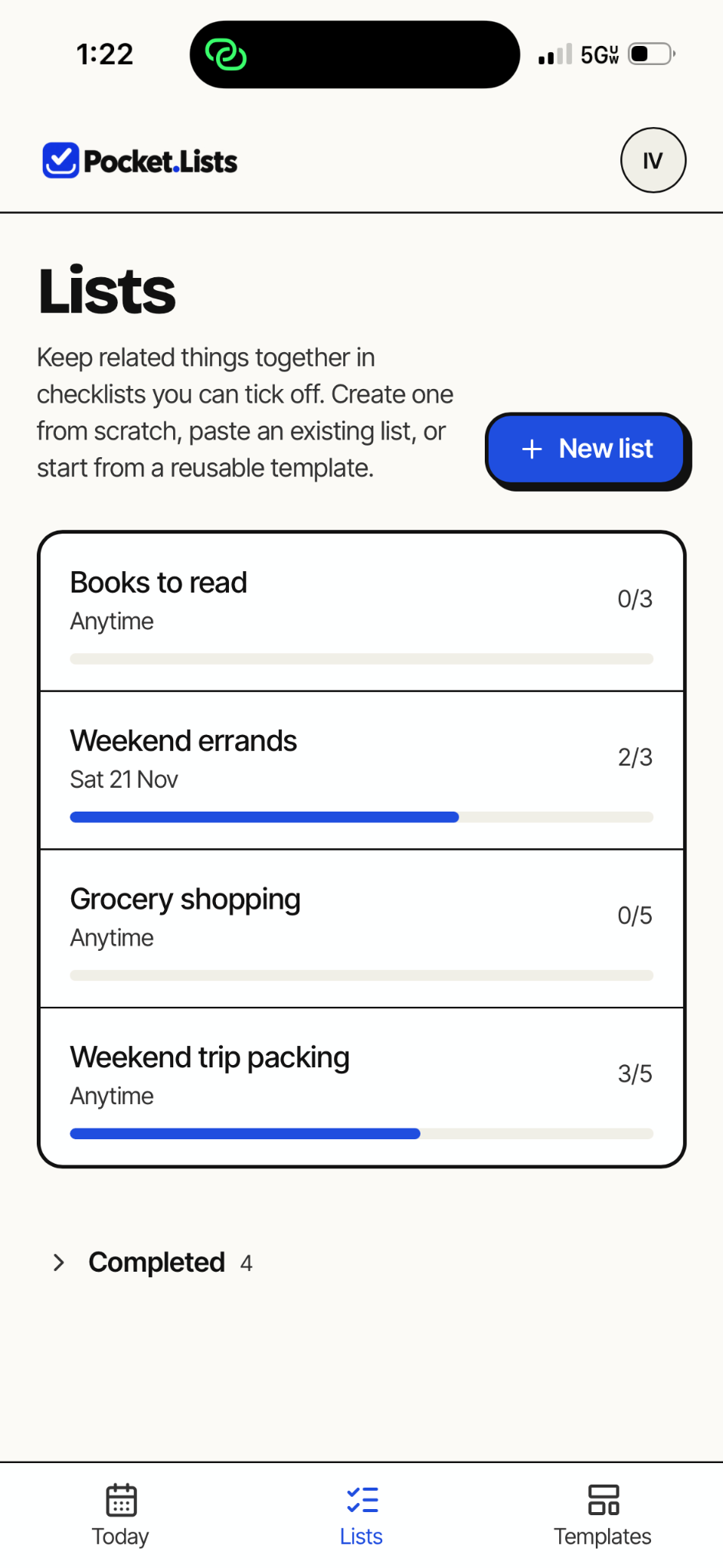
- Bring dated tasks, running lists, and reusable templates together without turning the product into project-management software.
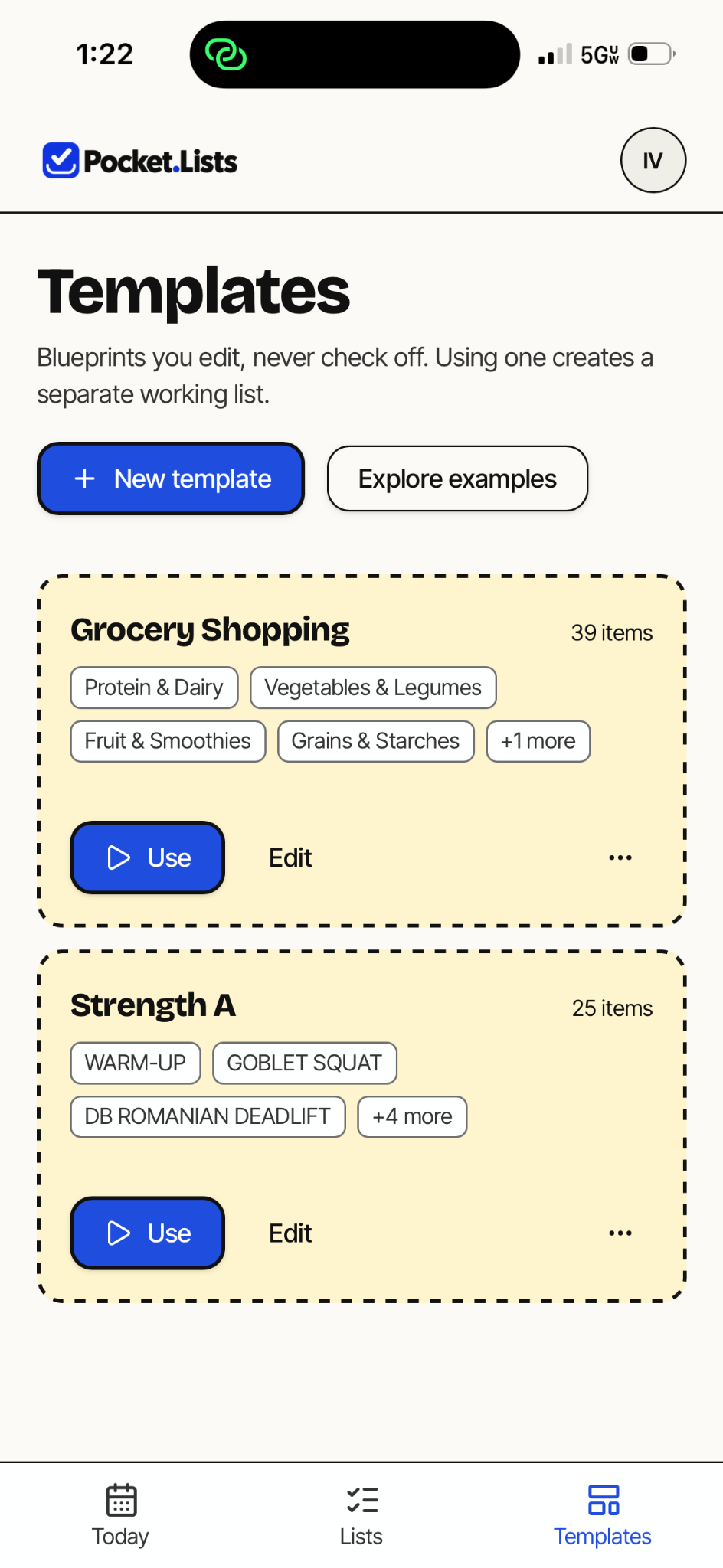
- Let templates create working lists while preserving their reusable originals.
- Make phone-first the primary experience while retaining a useful desktop workspace.
- Require explicit approval before an AI assistant changes tasks or lists.
AI and MCP integration
Pocket Lists includes a working MCP integration that connects compatible AI assistants to tasks and working lists. Assistants can retrieve tasks and propose additions, including new tasks, checklist items, and working lists, with explicit user approval required before changes are made.
Coming soon: Expanded AI-assisted task management and prioritization.
What shipped
- Daily planning: One-off tasks, due dates, overdue tracking and a dedicated Today view.
- Working lists and reusable templates: Ongoing checklists, progress tracking, custom templates and ready-to-use starter examples.
- Cross-device experience: An installable web app with responsive mobile and desktop interfaces and private synchronization for signed-in users.
- Interactive demo: A sample-data experience that allows users to explore the product without creating an account.
- AI-assisted task management: A working MCP integration that enables compatible AI assistants to read tasks and propose additions, with explicit user approval required before changes are made.
- Data control: Backup export and account-deletion capabilities.